

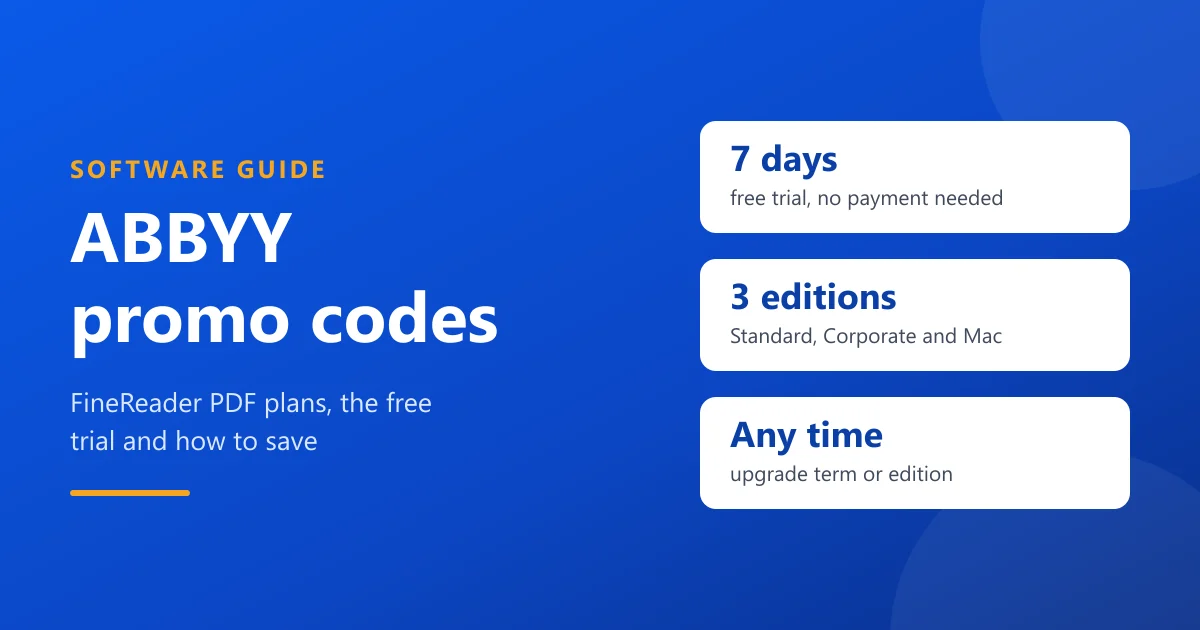
ABBYY FineReader PDF is a PDF editor with AI-based OCR, sold as a subscription. The best price comes from picking the right edition and term, and testing it free first. Every detail here comes from ABBYY's own site.
Today's top ABBYY offers
3 of the 5 live offers on our ABBYY codes and deals page, ranked the same way.

FineReader Summer Sale 2026! Enjoy 30% off sitewide orders with this coupon code at ABBYY.
Need to know
Active offer, no end date published · Added Oct 23, 2026
Terms and Conditions
- Listed as a sitewide offer.
- Copy the code and enter it where ABBYY takes promo codes.
- ABBYY sets the final terms and can change or end this offer at any time.
Redeem this ABBYY promo code to enjoy 30% off select items
Need to know
Active offer, no end date published · Added Oct 23, 2026
Terms and Conditions
- Only counts on selected items.
- Copy the code and enter it where ABBYY takes promo codes.
- ABBYY sets the final terms and can change or end this offer at any time.
Campus Licenses: Special Pricing for Schools and Universities
Need to know
ABBYY offers special pricing and licensing on FineReader PDF for educational organizations of any size, with tiered yearly pricing.
Active offer, no end date published · Added Oct 22, 2026
Terms and Conditions
- No code to copy. The link takes you straight to the offer at ABBYY.
- Check that the saving shows in your basket before you pay.
- ABBYY sets the final terms and can change or end this offer at any time.
For today's offers, see our ABBYY promo codes page.
Start free: the 7-day trial
ABBYY offers a free 7-day trial of FineReader PDF with no payment required, so you can check it handles your documents before you buy.
Which edition do you need?
| Edition | Best for |
|---|---|
| FineReader PDF Standard (Windows) | Editing, organizing, converting and signing PDFs, plus OCR for scans |
| FineReader PDF Corporate (Windows) | Everything in Standard, plus document comparison and Hot Folder automated conversion of up to 5,000 pages a month |
| FineReader PDF for Mac | Converting PDFs, paper documents and images into searchable, editable documents on macOS |
Billing terms and upgrades
- Yearly, 3-yearly or monthly subscriptions, billed automatically.
- Upgrade any time to a longer term, or from Standard to Corporate.
- Renewals: Windows installations update after the renewal is paid; the Mac edition gets a new license, with renewal available in the app two weeks before expiry.
Savings for businesses
Teams can get volume discounts and choose license types such as standalone, per seat, concurrent or remote, depending on the edition. ABBYY's sales team handles these.
How to use an ABBYY promo code
- Choose your edition and billing term.
- Continue to checkout. ABBYY's payments are processed by its eCommerce partners.
- Add any code from our page before you pay, and check the total.
- Register the product, which ABBYY requires.
Common questions
Can I use FineReader PDF on iPhone?
ABBYY offers FineReader for iOS as a separate app.
Does FineReader PDF work with Microsoft Office?
Yes. FineReader PDF for Windows integrates with Microsoft Office.
How do renewals work on Mac?
FineReader PDF for Mac gets a new license on renewal, and the renewal option appears in the app two weeks before expiry.
Who makes FineReader?
ABBYY, an intelligent automation company with operations in 13 countries.
How to choose a billing term
FineReader PDF is sold as a yearly, 3-yearly or monthly subscription, billed automatically according to your plan. Which is cheapest depends on how long you need it:
- Monthly suits a one-off project, such as digitizing a box of paperwork, where you need FineReader for a short time.
- Yearly suits regular use, with one renewal a year.
- 3-yearly suits long-term use, with the longest time between renewals.
You can upgrade at any time, to a longer term or from Standard to Corporate, so starting smaller does not lock you in.
What FineReader PDF does
FineReader PDF views, edits, organizes, protects, signs and converts PDFs, creates fillable forms and uses AI-based OCR to turn scans and paper documents into searchable, editable files. On Windows it integrates with Microsoft Office. The Corporate edition adds document comparison and Hot Folder, which converts up to 5,000 pages a month automatically.
Checking out with an ABBYY code
ABBYY's payments are processed by its eCommerce partners, so after you choose your edition and term you check out on the partner's page. Add any code from our page there, before you pay. Product registration is required.
Renewals, Windows and Mac
Subscriptions renew automatically, so note your renewal date. FineReader PDF for Windows updates itself once the renewal is paid. FineReader PDF for Mac gets a new license on renewal, and the renewal option appears in the app two weeks before the subscription expires.
More from ABBYY
For phones, ABBYY offers FineReader for iOS as a separate app, alongside ABBYY Screenshot Reader. Businesses buying several licenses can ask ABBYY's sales team about volume discounts and license types such as standalone, per seat, concurrent or remote.
Quick checklist
- Free 7-day trial used first.
- Right edition: Standard, Corporate or Mac.
- Billing term compared.
- Volume discount asked about, if buying for a team.
See today's ABBYY promo codes and deals.
Top ABBYY offer
FineReader Summer Sale 2026! Enjoy 30% off sitewide orders with this coupon code at ABBYY.
Ready to save at ABBYY?
Every live ABBYY offer is on one page, best first.

Ethan Caldwell
Coupon Editor, SaversPrice
Ethan looks after the SaversPrice store pages in software and web tools. Software usually costs less on annual plans and first terms, so the renewal price is worth checking before you buy. Codes confirmed on the retailer’s own site carry a green Verified badge, and expired offers come down.
Found a code that doesn't work? Tell us.


